The Another Eden Begins demo transfer feature lets you carry demo progress straight into the full game, which means the hours you spent before launch are not wasted. This guide walks through the exact steps on Steam and Switch, explains what carries over and what does not, and covers the version details players have been asking about since the September 2026 release window opened. The guide walks through the exact steps on Steam and Switch, explains what carries over and what does not, and covers the version details players have been asking about since the September 2026 release window opened — and if you want to try the transfer process before committing, our Another Eden Begins save transfer demo walkthrough shows how the demo carryover works in practice.
What the Demo Transfer Actually Does
Before you press a single button, it helps to understand what the Another Eden Begins demo transfer system is doing under the hood. The demo covers the opening chapters of the story, ending just before the Baruoki incident escalates, and WFS built the demo so that its save file is structurally identical to a full-game save. When you boot the full version, the game detects the demo data and offers to import it, placing you at the exact story beat where the demo ended with your party levels, items, and exploration flags intact.
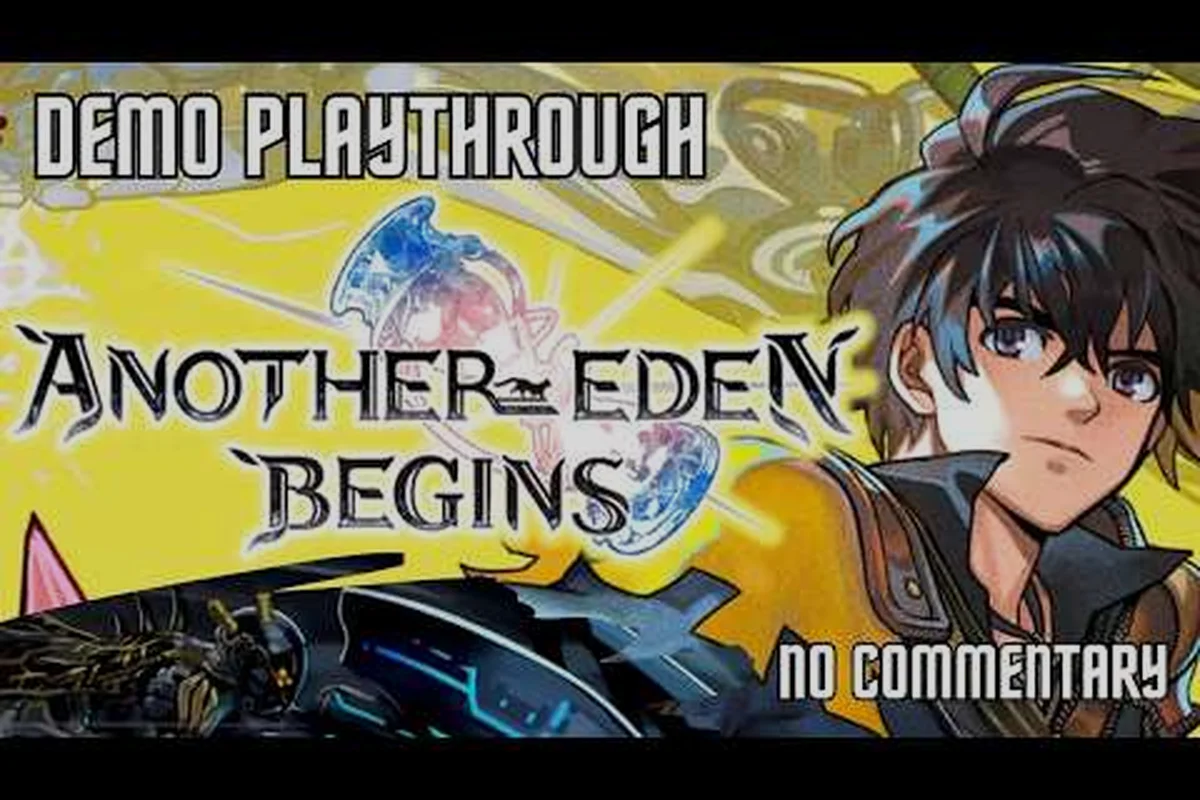
According to community reports and the coverage from AnimeBlurayUK's Switch demo video, the process works the same way on both platforms, though the file locations differ. On Switch, the demo save lives in the console's system save data tied to your profile, while on Steam it sits in the local save folder under your Steam userdata directory and syncs through the cloud. The reason WFS could make this seamless at all is that the demo shares its save schema with the full client, so the import prompt simply reads the existing flags rather than converting anything. The key points to understand before transferring:
-
The demo save must be from the final demo build — older demo versions may not import cleanly
-
Transfer happens once, at first launch of the full game, through an on-screen prompt
-
Steam players rely on Steam Cloud to keep the demo save synced across PCs
-
Switch players need the demo and full game installed on the same console profile
-
Story progress, party levels, inventory, and map exploration all carry over
If you already deleted the demo after finishing it, do not panic yet — on Steam, reinstalling the demo and launching it once usually regenerates the save from Steam Cloud, as long as cloud sync was enabled when you originally played.
How to Transfer Your Save on Steam
The Steam version is the most forgiving platform for the Another Eden Begins demo transfer, because Steam Cloud handles most of the file management for you. The full game, listed on the Another Eden Begins Steam store page, ships with cloud support enabled by default, which means your demo save has likely been sitting safely in Valve's servers since the moment you closed the demo.
Step-by-Step Steam Transfer
Before touching the table below, make sure Steam Cloud is actually enabled for Another Eden Begins: right-click the demo in your library, open Properties, and confirm the General tab's Steam Cloud toggle is on — WFS's save system writes the demo's progress (party composition, story flags, and inventory up to the transfer point) to the cloud only after a clean exit, so a forced shutdown mid-write can leave a truncated file that the full game rejects during import. Launching the full game while that sync is still in progress is the single most common cause of a failed demo transfer, because the title screen checks for a complete cloud save, not a partial one.
| Step | Action | What to Check |
|---|---|---|
| 1 | Launch the demo once | Steam Cloud icon shows sync activity |
| 2 | Close the demo from the in-game menu | Avoid Alt+F4, which can skip the save write |
| 3 | Wait for Steam Cloud sync to finish | Check the cloud icon in your library |
| 4 | Install and launch the full game | A transfer prompt appears on the title screen |
| 5 | Confirm the import | Your party appears at the demo's final story beat |
The whole process takes under five minutes on a normal connection. If the transfer prompt never appears, the most likely culprit is that Steam Cloud was disabled in the demo's properties menu, which prevents the save from ever leaving your local drive. In that case, the save still exists locally, and launching the full game on the same PC will usually detect it anyway — cloud sync only matters when you switch between computers.
Troubleshooting a Missing Transfer Prompt
Players on the Steam Community hub — which recorded roughly 945 concurrent players and 51 user reviews at a Mostly Positive rating during launch week — have reported a handful of edge cases. If the prompt does not show up, verify that both the demo and the full game are installed under the same Steam account, then check that your demo version matches the final build. Community guides on the Steam hub also note that running the full game in offline mode before the first cloud sync can hide the prompt, so stay online until the import completes.
How to Transfer Your Save on Nintendo Switch
The Switch process is simpler in some ways and stricter in others. There is no cloud layer between the demo and the full game — the console reads the demo save directly from local storage — but that also means everything must happen on a single console profile. If you played the demo on a friend's Switch or on a profile different from the one you will use for the full game, the transfer will not find anything to import.
Switch Transfer Checklist
| Requirement | Detail |
|---|---|
| Same console | Demo and full game must be on one Switch |
| Same user profile | Save data is tied to the profile, not the console |
| Demo not deleted | Deleting the demo removes its save data |
| Final demo build | Update the demo before playing if prompted |
Once those conditions are met, boot the full game and accept the transfer prompt on the title screen. The import is instant, and you will land at the end of the demo's content with your party ready to continue. One Switch-specific warning from player reports: archiving the demo (a Switch feature that frees space while keeping the icon) can also archive its save data on some system versions, so if you archived rather than deleted, restore the demo fully before attempting the transfer.
What Carries Over — and What Starts Fresh
Knowing exactly what the Another Eden Begins demo transfer preserves helps you decide whether it is worth the two minutes it takes. The short answer from community testing: nearly everything meaningful carries over, and the few things that reset are cosmetic or trivial to recover.
| Data Type | Carries Over? | Notes |
|---|---|---|
| Story progress | Yes | Resumes at the demo's final chapter |
| Party levels and stats | Yes | Full character progression preserved |
| Inventory and items | Yes | Consumables and equipment transfer |
| Map exploration flags | Yes | Discovered areas stay revealed |
| Achievements | No | Full-game achievements track separately |
| Demo-only bonuses | Varies | Some pre-order style bonuses apply on import |
The achievement reset is the only point that surprises players. Because Steam tracks 28 achievements for the full game separately from the demo, any demo-era milestones do not retroactively unlock. This is purely a tracking quirk — your actual progress is untouched — but completionists who care about popping achievements in order may prefer a fresh start. For everyone else, importing is clearly the better option, since it skips several hours of replaying content you have already cleared.
If you want a deeper breakdown of the save mechanics behind the Another Eden Begins demo transfer, the dedicated save transfer guide is worth bookmarking. It documents the exact file locations and naming conventions WFS uses for the demo's save data on Steam, explains why the import reads the save before the full game writes its own first-launch file, and covers edge cases like transferring after the another eden begins last update changed the demo's version history — situations where a mismatched build can force a manual re-import. It also spells out system requirements for the import process that this overview intentionally keeps brief.
Version History and the September 2026 Update Context
The demo transfer system did not appear out of nowhere — it is the product of a steady cadence of patches leading into launch. Looking at the Another Eden Begins version history gives useful context for why the transfer works the way it does, and why players on older demo builds occasionally hit import problems that players on the final build never see.
The most recent Another Eden Begins game update in Sept 2026 finalized the save schema that both the demo and full game share, which is the technical foundation of the transfer feature. Earlier demo builds used a slightly different save structure, and that mismatch is why the game only guarantees imports from the final demo version. WFS handled the transition quietly rather than with a splashy Another Eden Begins WFS announcement, which left some players discovering the feature only after launch — a pattern that shows up repeatedly in the studio's communication style.
| Version Milestone | Approximate Timing | Relevance to Transfer |
|---|---|---|
| Initial demo release | Pre-launch | Early save schema, not guaranteed to import |
| Demo content update | Mid-2026 | Expanded chapters, schema revision |
| Final demo build | Late summer 2026 | Fully compatible with full-game saves |
| Launch patch | Sept 2026 | Transfer prompt and import logic finalized |
If you are tracking the broader Another Eden Begins last update news, including free content drops and future roadmap items, the running free update coverage piece consolidates everything WFS has confirmed so far, so you can see how the launch patch fits into the bigger picture.
Behind the Scenes: Studio Prisma and the WFS Approach
Some of the most interesting Another Eden Begins behind the scenes context comes from how the development team structured the demo in the first place. Studio Prisma, the art and animation unit associated with the project, worked on the presentation layer, while the core systems team at WFS built the save architecture that makes cross-version transfers possible. Designing a demo save that is byte-compatible with the full game is not the default approach — many studios ship demos with throwaway saves — and choosing compatibility reflects a deliberate player-first decision.
That decision also explains the demo's unusual scope. Rather than a vertical slice with scaled-down systems, the demo runs the full battle engine: command-based turns built around attacker, supporter, and healer roles, with the Another Force gauge mechanic that stops enemy turns while your party chains attacks. Everything you practiced in the demo is mechanically identical in the full game, which is exactly why importing your save feels seamless rather than like switching to a different product.
Community discussion on the Another Eden subreddit has also surfaced smaller details, including reports of simplified Chinese translation issues flagged in some Steam reviews and debates over which DLC character packs are worth buying for New Game+ runs. The Ramiu character — a Begins-original spritely sand spirit who guides Aldo through New Game+ — features in the full game's voice cast alongside Aldo (Jared Zeus), Feinne (Leader Looi), Suzette (Skye Bennett), and Bertrand (Anthony Howell), according to the official cast listing. None of that content is gated behind the transfer, but imported saves reach it faster.
For players weighing which edition or DLC bundle to pick up alongside the base game, the Steam and console version comparison breaks down pricing and edition differences across platforms, which pairs well with the transfer decision since your platform choice determines which transfer path above applies to you.
Frequently Asked Questions
Does the Another Eden Begins demo transfer work after I delete the demo?
On Steam, usually yes — Steam Cloud restores the demo save when you reinstall and launch the demo once. On Switch, no, because deleting the demo removes its save data from local storage permanently. Switch players should keep the demo installed until the full-game import is complete.
Can I transfer my demo save from Switch to Steam or the other way around?
No, saves do not move between platforms. The demo save lives in Steam Cloud on PC and in local console storage on Switch, and there is no cross-platform save system linking them. You can only transfer within the same platform ecosystem, on the same account or profile.
What happens if the transfer prompt never appears on launch?
First, confirm both versions are the final builds and that you are on the same Steam account or Switch profile. On Steam, check that Steam Cloud sync completed after your last demo session. Community reports also suggest staying online during the first full-game launch, since offline mode can suppress the import prompt.
Is it better to import my save or start fresh?
Importing is better for almost everyone, because it preserves party levels, inventory, and story progress, saving several hours of replay. The only reason to start fresh is if you want achievements to unlock in order, since full-game achievement tracking does not retroactively credit demo-era milestones.
Will future updates change how the demo transfer works?
The transfer system is tied to the save schema finalized in the September 2026 patch, so it should remain stable going forward. However, WFS has a history of quiet quality-of-life patches, and any changes to save handling would most likely appear in patch notes rather than a formal announcement, so it is worth checking update coverage after major patches.
Wrapping Up
The Another Eden Begins demo transfer is one of the more player-friendly launch features in recent memory: a five-minute process that respects the time you already invested. Keep the demo installed until the import completes, make sure you are on the final build, and stay online during your first full-game launch on Steam. Once your save lands in the full game, the entire opening arc — and everything Studio Prisma and WFS built beyond it — is yours to continue without replaying a single battle.